Five-step walkthrough
Walkthrough: E-commerce platform
Five screenshots in the order I would talk through them. Each step names what to look at, and every chip and Prev/Next link is a real URL fragment.
Step 1 of 5
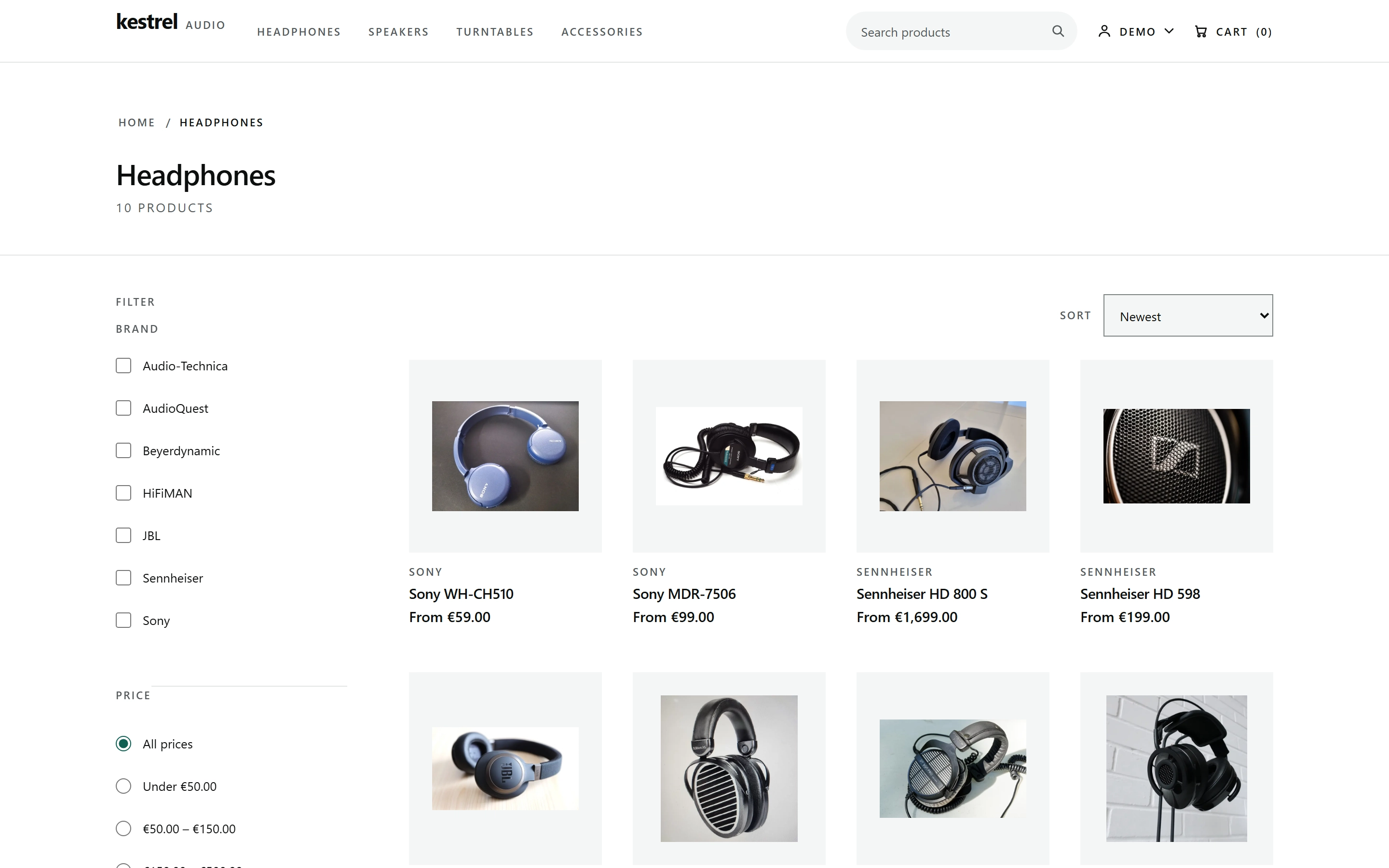
The headphones category, filtered
The headphones category shows ten products in a four-column grid beneath a left rail of brand and price filters. Each tile carries a from-price and the header shows an empty cart, so this is the first screen of the path.
Step 2 of 5
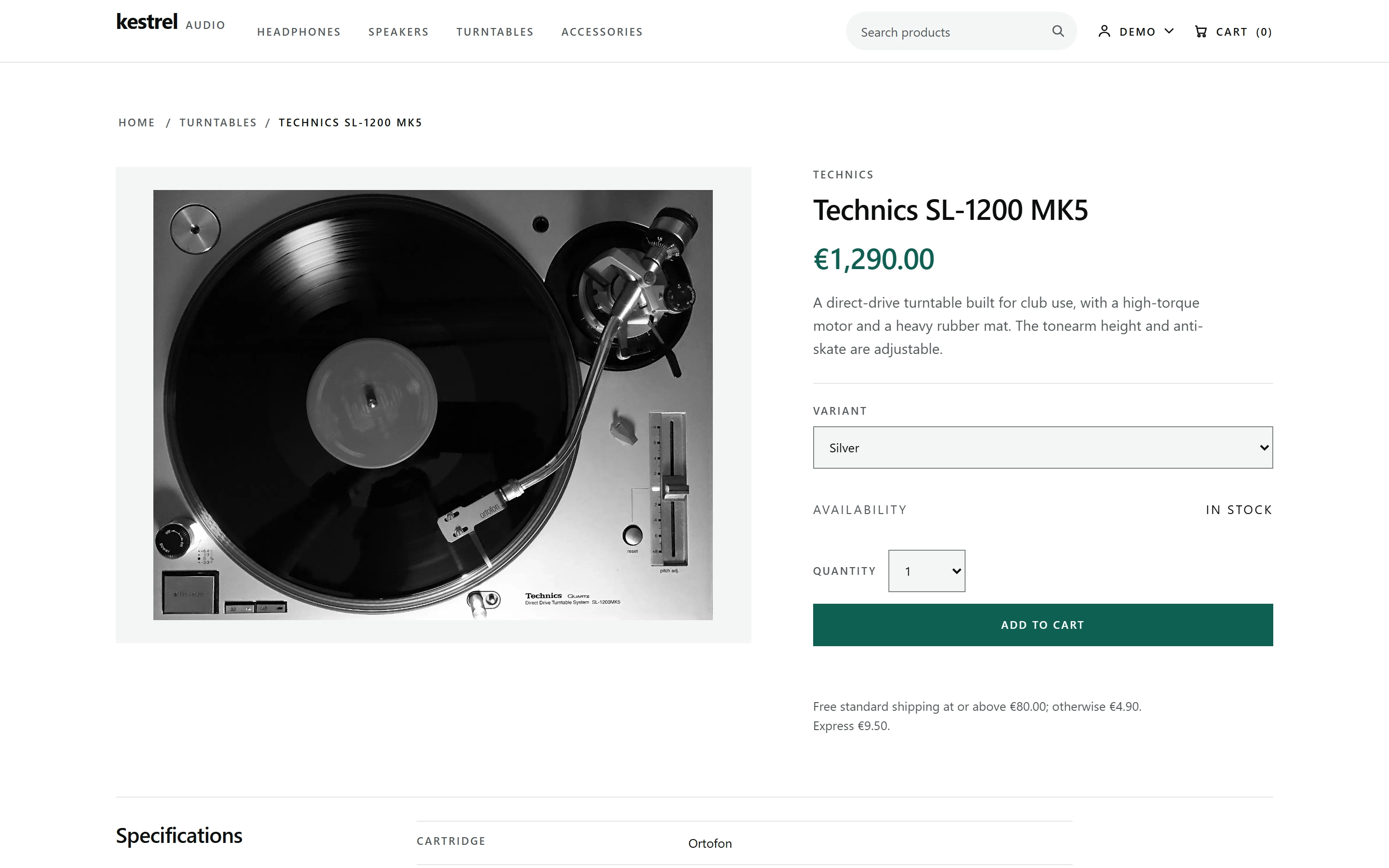
The buy box is the price surface
The Technics SL-1200 MK5 product page puts the studio photograph on the left and the buy box on the right. The box reads 1,290.00, names the Silver variant, shows In stock, and offers one Add to cart action.
Step 3 of 5
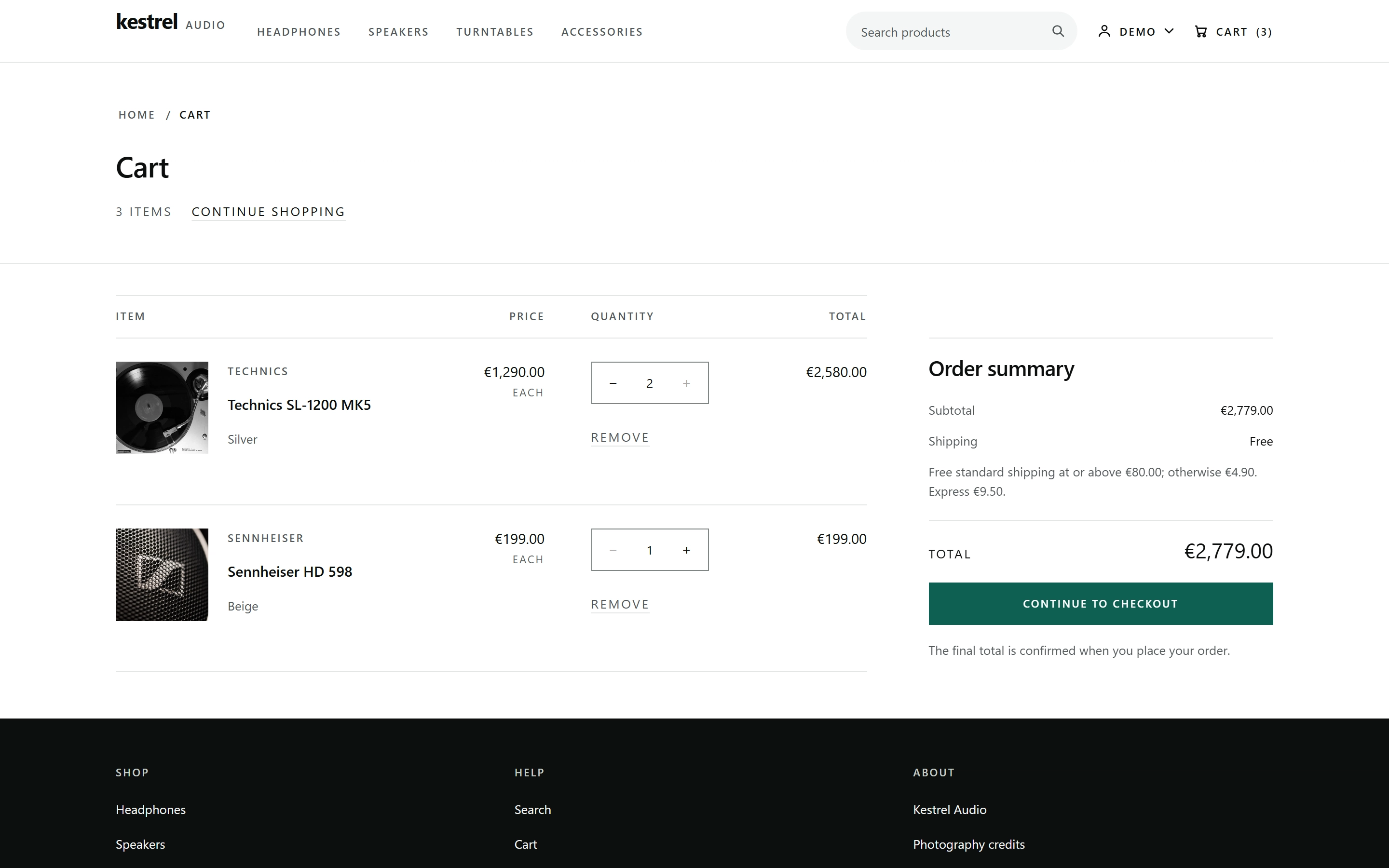
Two lines, three items
The cart table lists two seeded lines: the turntable at quantity 2 for 2,580.00 and the Sennheiser HD 598 at quantity 1 for 199.00. The header badge reads 3 items, which is the sum of those quantities.
Step 4 of 5
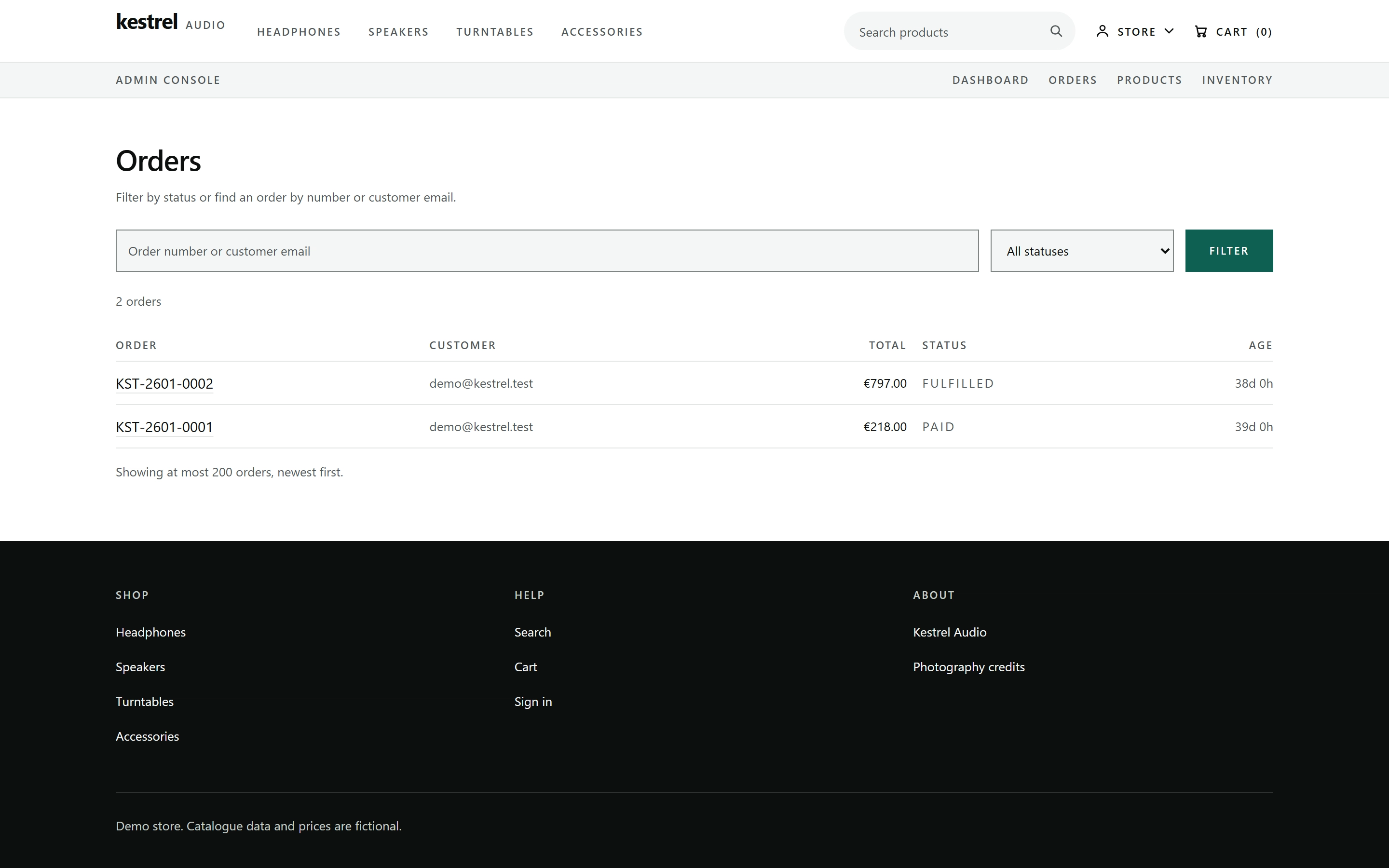
The admin console records both orders
The admin orders console lists two seeded orders for demo@kestrel.test, one PAID at 218.00 and one FULFILLED at 797.00. Each row carries the order number, customer, total, status and age.
Step 5 of 5
The summary is computed from the lines
The Order summary panel repeats the two seeded line totals as a subtotal of 2,779.00, with free shipping and a total of 2,779.00. The note beneath the checkout action says the final total is confirmed when you place your order.